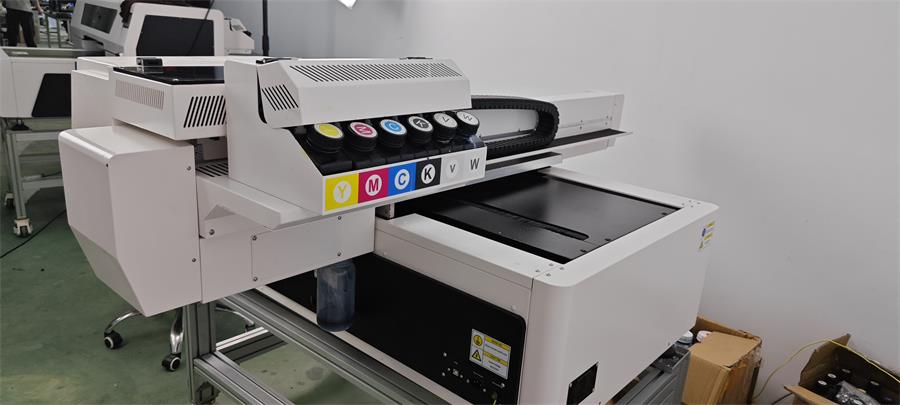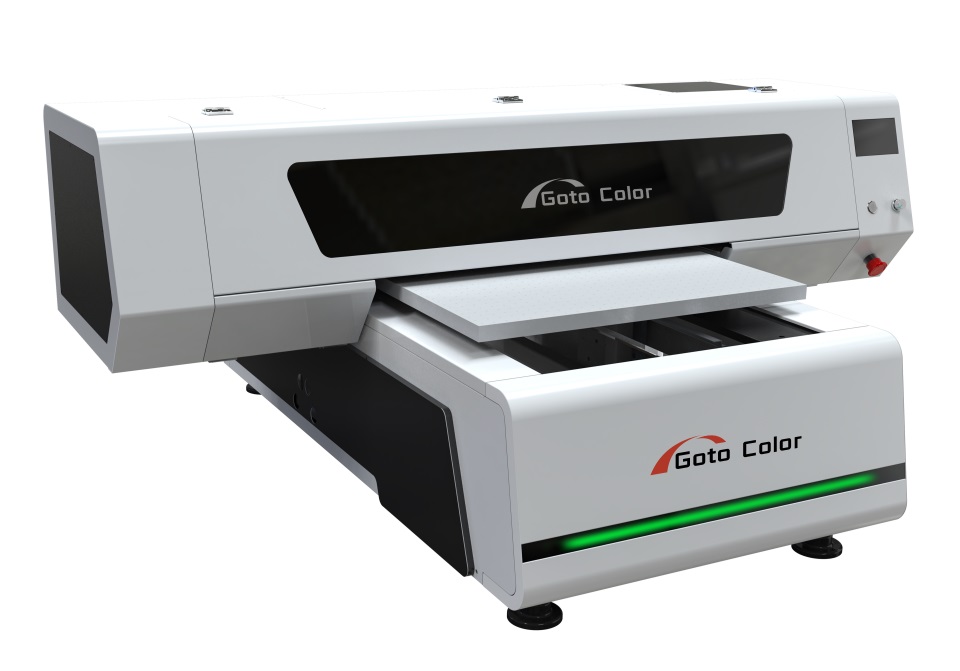


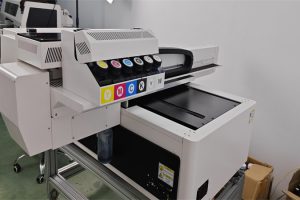
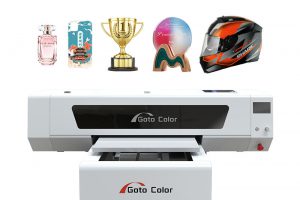

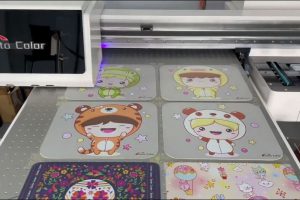

To install Photoprint for a UV printer, first get the official installer and drivers from your printer supplier. Disable antivirus software, run the setup as administrator, and install the USB dongle driver if required. Then add your printer model in Photoprint, configure ink channels (CMYK+W+V), load ICC color profiles, and connect the printer via USB or network. Once the printer shows “online,” run a test print to confirm installation success.
Below is a video with detailed step-by-step installation steps, and a PDF file is attached for quick reference.